Small business owners can achieve a 2-3 second website load time by following systematic speed optimization techniques. This beginner-to-intermediate guide requires 2-4 hours to complete and delivers measurable improvements in page speed, user experience, and SEO ranking.
Before You Begin: Prerequisites for Small Business Website Speed Optimization
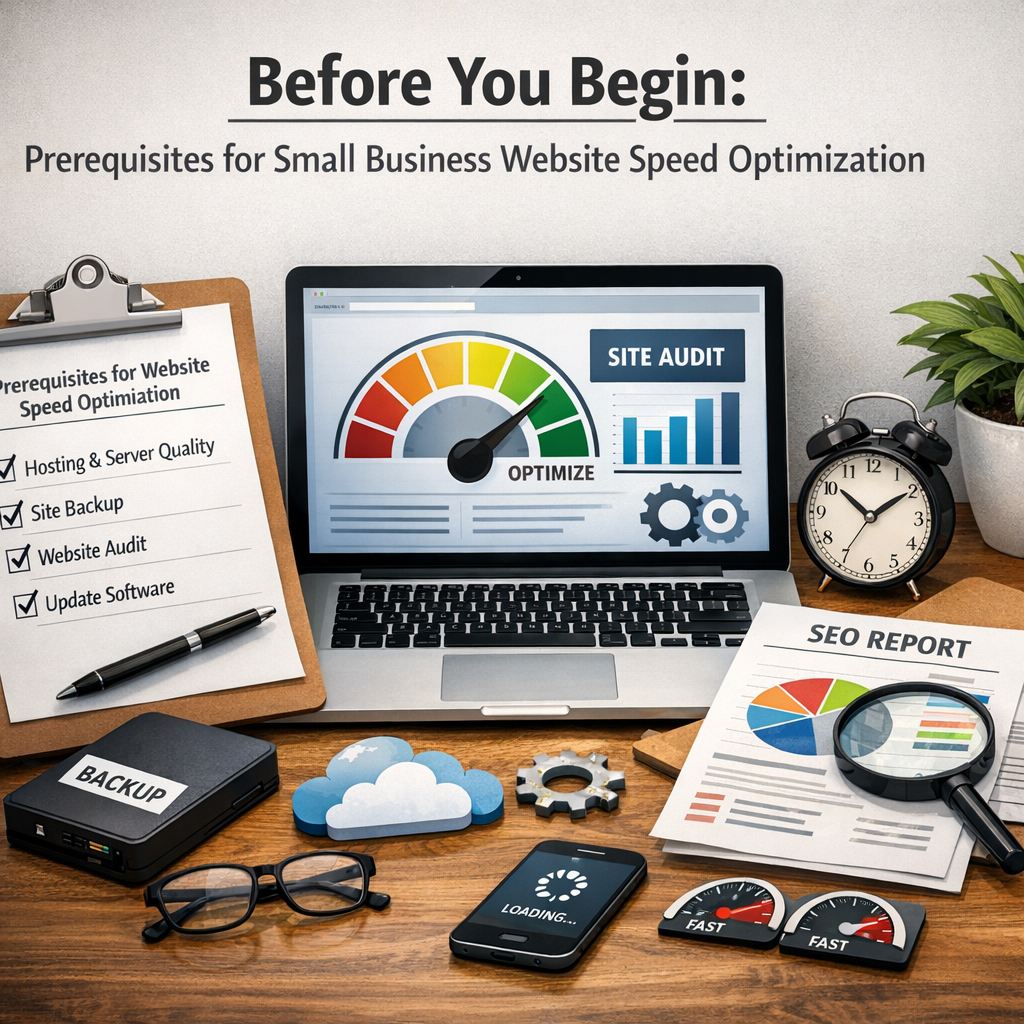
Complete these preparations before starting your site speed improvement process:
- Access to your hosting provider control panel (Shared Hosting, VPS Hosting, Dedicated Server, or Cloud Hosting)
- WordPress, Shopify, or WooCommerce admin credentials
- Google Analytics account for performance monitoring
- Baseline website speed test results from at least two tools
- List of current plugins or third-party scripts
Estimated Time: 2-4 hours total | Difficulty: Beginner to Intermediate | Cost: $0-$50 for premium tools
Understanding Small Business Website Speed Benchmarks
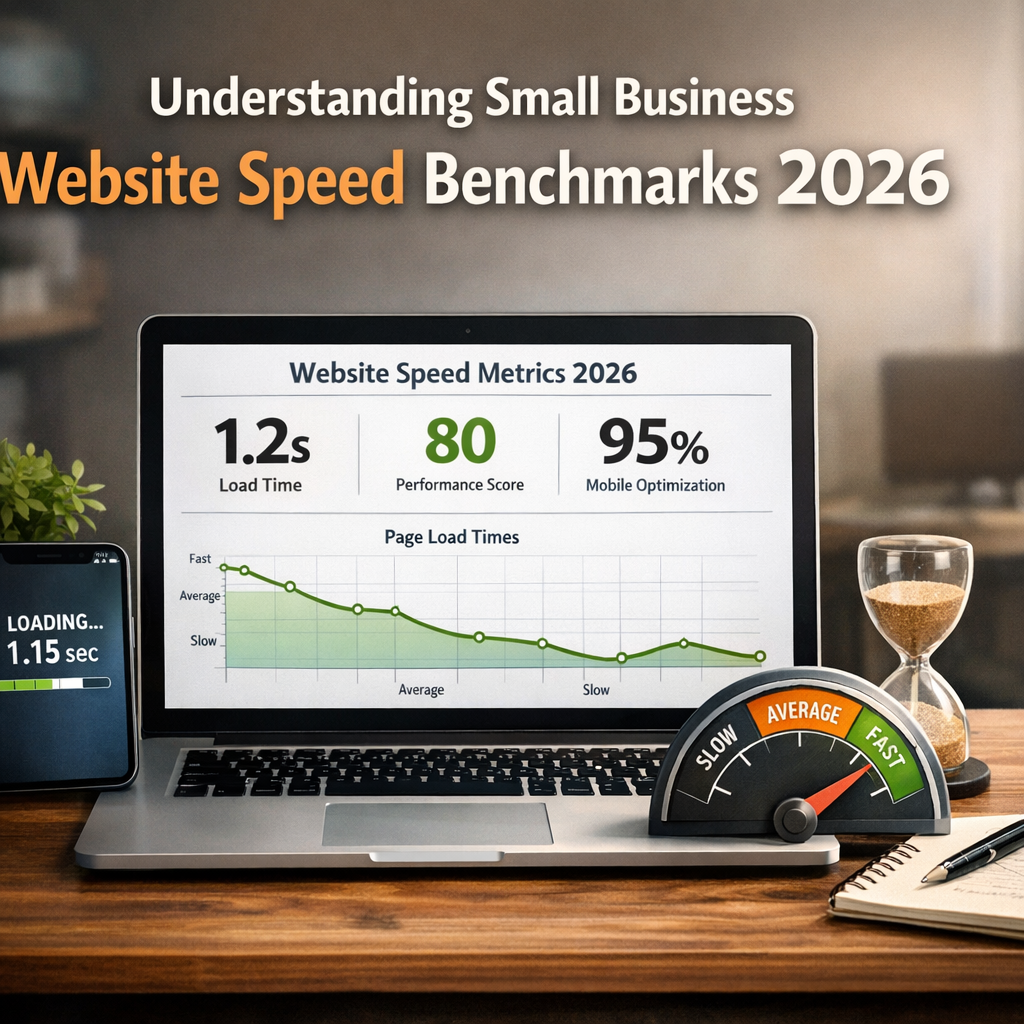
According to Google’s 2025 performance standards update, the ideal page load time for small businesses is 2.5 seconds or less on mobile devices. The recommended website loading speed for small business owners prioritizes three Core Web Vitals metrics that directly impact Search Engine Optimization (SEO) and Mobile-First Indexing.
The acceptable load time for ecommerce small business sites meets these performance standards:
| Core Web Vitals Metric | Benchmark | Business Impact |
|---|---|---|
| Largest Contentful Paint (LCP) | ≤ 2.5 seconds | Main content visibility |
| Interaction to Next Paint (INP) | ≤ 200 milliseconds | User interaction responsiveness |
| Cumulative Layout Shift (CLS) | ≤ 0.1 | Visual stability |
These speed requirements reflect Google’s continued emphasis on website responsiveness and fast page rendering for small business site performance metrics.
Step 1: Measure Your Current Small Business Website Load Time
Test your site using three industry-standard speed comparison tools to establish baseline performance metrics:
- Navigate to PageSpeed Insights (pagespeed.web.dev) and enter your URL
- Run a test on GTmetrix (gtmetrix.com) using default settings
- Execute a WebPageTest analysis with multiple geographic locations
Record these critical page performance indicators from each tool:
- First Contentful Paint (FCP)
- Speed Index
- Time to First Byte (TTFB)
- Total Blocking Time (TBT)
- Page speed score (0-100 rating)
Google’s Lighthouse tool within Chrome DevTools provides additional speed diagnostics for measuring small business website performance. A performance score below 50 indicates urgent need for load time reduction, while scores above 90 represent rapid loading and excellent site velocity.
Step 2: Implement Image Optimization for Faster Loading
Images typically account for 50-70% of total page weight. Follow these speed optimization techniques:
- Compress existing images: Use tools like TinyPNG or ShortPixel to reduce file sizes by 60-80% without visible quality loss
- Enable Lazy Loading: Configure images to load only when users scroll to them (native HTML loading=”lazy” attribute or WordPress plugins)
- Convert to modern formats: Use WebP or AVIF formats, which offer 30% better compression than JPEG
- Set explicit dimensions: Define width and height attributes to prevent Cumulative Layout Shift
For WordPress users, plugins like Smush or EWWW Image Optimizer automate image optimization. Shopify stores benefit from built-in image optimization, while WooCommerce requires manual configuration or third-party plugins for optimal performance.
Step 3: Deploy a Content Delivery Network (CDN)
A CDN stores your website files on multiple servers worldwide, dramatically improving loading speed for geographically dispersed visitors. Cloudflare offers free CDN services suitable for small business websites.
Implementation steps for faster small business site loading strategies:
- Create a Cloudflare account and add your domain
- Update your domain’s nameservers at your registrar
- Enable automatic caching and minification features
- Activate HTTP/2 or HTTP/3 protocols for improved loading efficiency
- Configure Browser Caching rules (minimum 7 days for static assets)
Alternative CDN providers include Amazon Web Services CloudFront, StackPath, and BunnyCDN, each offering varying price points and features for small business website speed and SEO ranking optimization.
Step 4: Minimize and Compress Code (JavaScript, CSS, HTML)
Code minification removes unnecessary characters, spaces, and comments, reducing file sizes by 20-40%. Enable these web performance best practices:
- Enable Gzip Compression or Brotli Compression: Configure server-level compression (Apache, Nginx, or LiteSpeed servers)
- Minify JavaScript files: Use tools like UglifyJS or enable platform-specific minification
- Minify CSS files: Remove unused styles and compress remaining code
- Optimize HTML: Remove whitespace and unnecessary tags
For those seeking professional assistance with website speed for small business optimization, specialized services can implement advanced minification strategies including critical CSS extraction and deferred JavaScript loading.
Step 5: Evaluate and Upgrade Your Hosting Provider
Server Response Time directly affects Time to First Byte (TTFB). The fastest hosting for small business websites delivers TTFB under 200 milliseconds.
Hosting comparison for small business website hosting speed:
| Hosting Type | Average TTFB | Best For |
|---|---|---|
| Shared Hosting | 400-800ms | Budget-conscious startups |
| VPS Hosting | 200-400ms | Growing businesses |
| Cloud Hosting | 100-250ms | Variable traffic sites |
| Dedicated Server | 50-150ms | High-traffic ecommerce |
Consider upgrading if your current hosting shows consistently high Server Response Time above 600ms. LiteSpeed-based hosting often outperforms traditional Apache or Nginx configurations for WordPress load time standards.
Step 6: Monitor Ongoing Website Performance Metrics
Establish continuous performance monitoring to maintain your target load time for small company websites:
- Install Google Analytics 4 with Core Web Vitals reporting enabled
- Schedule monthly speed test results reviews using PageSpeed Insights
- Set up performance alerts for speed degradation
- Track correlation between loading time goals and conversion rates
- Document website speed impact on small business revenue quarterly
The small business bounce rate and page speed correlation shows that pages loading in 1-3 seconds have 9% lower bounce rates compared to 5-second loads (Google, 2024).
Troubleshooting Common Small Business Loading Issues
If Largest Contentful Paint exceeds 2.5 seconds: Optimize hero images, preload critical resources, upgrade hosting, or implement a CDN.
If Interaction to Next Paint exceeds 200ms: Reduce Total Blocking Time by deferring non-critical JavaScript, breaking up long tasks, and removing unused third-party scripts.
If Cumulative Layout Shift exceeds 0.1: Add size attributes to images and videos, reserve space for ads, avoid inserting content above existing content.
If Time to First Byte exceeds 600ms: Check Server Response Time, optimize database queries, enable server-level caching, or migrate to faster hosting.
If mobile speed significantly lags desktop: Implement responsive images, reduce mobile-specific JavaScript, and verify Mobile-First Indexing compatibility.
Next Steps for Continued Speed Enhancement
After completing these six optimization strategies, consider these performance enhancement priorities:
- Implement SSL Certificate with HTTP/3 for encryption and speed benefits
- Conduct competitor speed analysis to identify industry speed benchmarks
- Perform quarterly performance audit using WebPageTest advanced features
- Explore small business WordPress load time standards for platform-specific optimizations
- Review the small business website performance checklist monthly
- Test how load time affects small business conversions through A/B testing
According to industry research (Portent, 2024), reducing load time from 5 seconds to 2 seconds can increase conversion rates by 74%. These optimization strategies deliver measurable business impact through improved user experience, higher SEO rankings, and increased customer retention.
Let’s get your phone ringing.
Start with a free website review. We’ll show you what’s holding your site back and what we’d fix first.