
Getting an Indianapolis business to show up on Google Maps requires claiming your Google Business Profile, completing verification, and optimizing your listing with accurate information. This process takes 30-45 minutes for initial setup, with additional time for verification (3-7 days). The difficulty level is beginner-friendly, requiring no technical expertise.
Before You Begin: Required Information
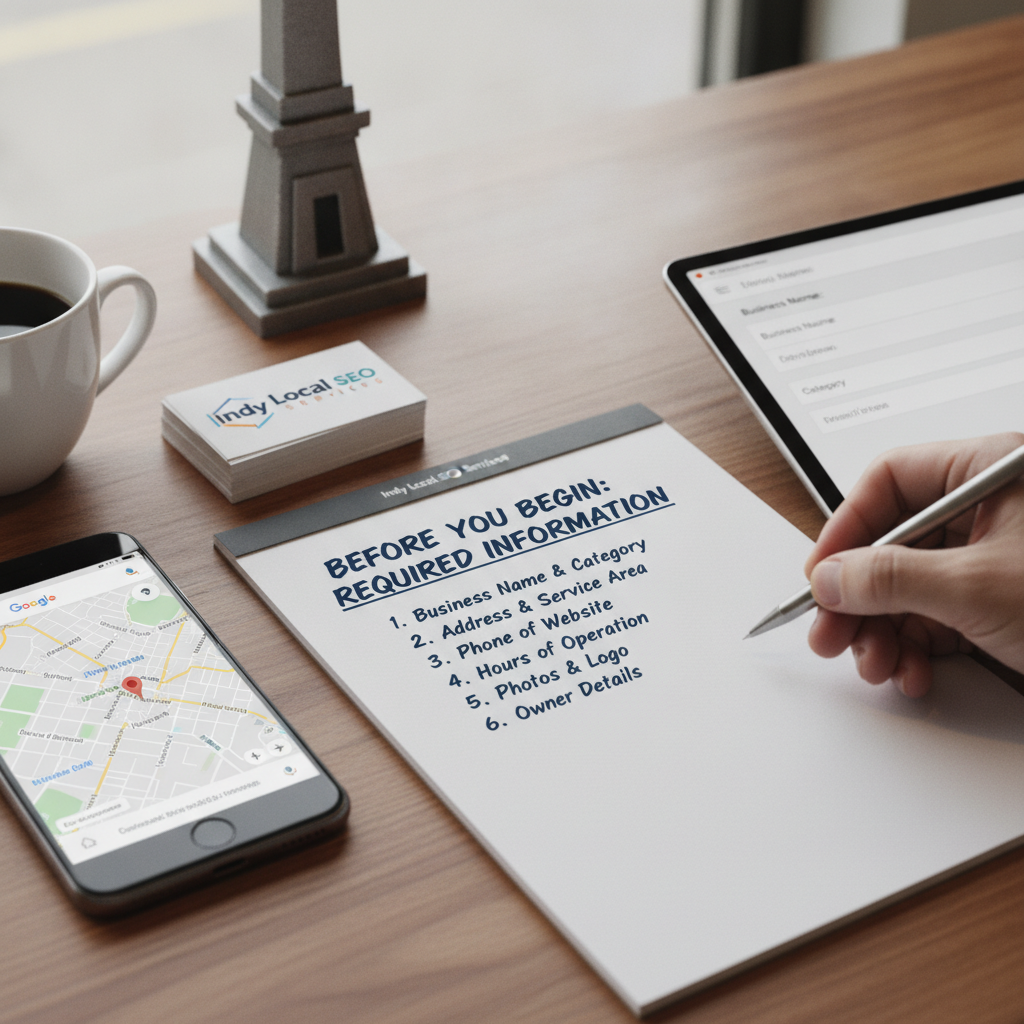
Essential items needed:
- Physical Indianapolis business address or defined service area
- Business phone number (not a call center)
- Business website or landing page URL
- Email address with access for verification
- Business hours and category information
- High-quality business photos (minimum 3)
Step 1: Claim Your Google Business Profile
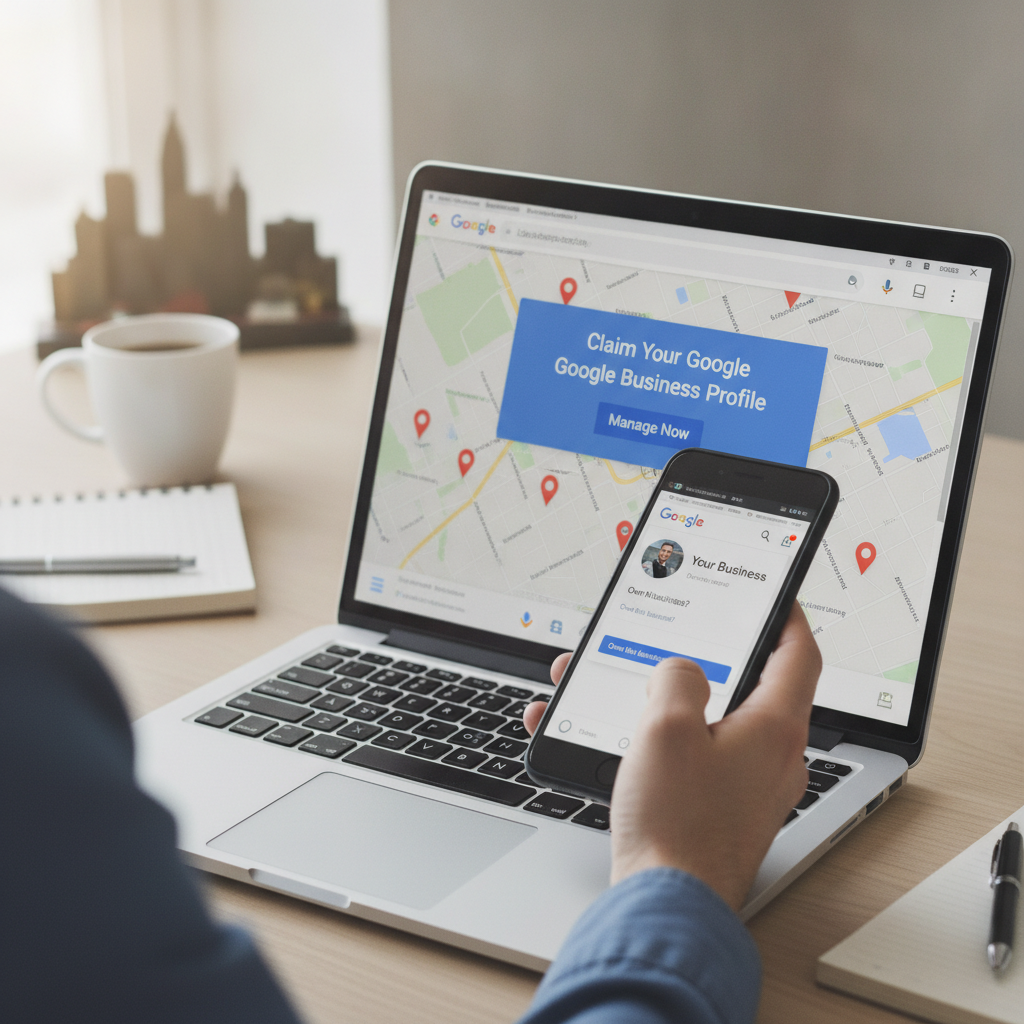
Google Business Profile (formerly Google My Business) serves as the foundation for all Google Maps visibility. To claim your business listing, navigate to business.google.com and sign in with a Google account.
Follow these sub-steps:
- Click “Manage now” on the Google Business Profile homepage
- Enter your exact business name in the search field
- If your business appears, click “Claim this business”
- If not listed, select “Add your business to Google”
- Choose your business category (primary category affects local search results)
- Select “Yes” if you serve customers at your Indianapolis location
According to Google’s 2024 guidelines, businesses must represent real, physical establishments or defined service areas to qualify for Google Maps listings.
Step 2: Complete the Verification Process
Address verification confirms your Indianapolis business operates at the claimed location. Google offers multiple verification methods, with postcard verification being the most common for brick-and-mortar establishments.
Postcard verification steps:
- Confirm your business address matches your actual location
- Request verification postcard through the GMB dashboard
- Wait 5-7 business days for delivery to your Indianapolis address
- Enter the 5-digit code from the postcard into your Google Business Profile
Alternative verification options include phone verification, email verification, or video verification for eligible businesses. Home-based businesses and service area businesses in Indianapolis can verify without displaying their street address publicly.
Step 3: Optimize Your Business Information
Business profile optimization directly impacts Google Maps ranking and local search visibility. Complete every available section in your Google Business Profile to maximize your appearance in the local pack.
Critical information fields:
| Field | Optimization Strategy |
|---|---|
| Business Description | Write a keyword-rich description (750 characters max) including “Indianapolis” and primary services |
| Categories | Select accurate categories (1 primary + up to 9 additional) relevant to your business |
| Business Hours | Set regular hours and update for holidays; accuracy affects customer engagement metrics |
| Attributes | Add applicable attributes (wheelchair accessible, free Wi-Fi, outdoor seating) |
| Services/Products | List specific offerings with descriptions for enhanced local SEO strategies |
NAP consistency (Name, Address, Phone) across all online business presence platforms strengthens local ranking signals. Use identical formatting everywhere your Indianapolis business appears online.
Step 4: Add Visual Content and Google Posts
Photos and videos increase customer engagement and improve map pack rankings. According to Google Analytics data from 2024, businesses with 20+ photos receive 35% more directions requests and 42% more website click-through rates.
Photo optimization requirements:
- Upload minimum 10 high-resolution images (720×720 pixels minimum)
- Include exterior, interior, product, and team photos
- Add geo-tagged images showing your Indianapolis location
- Update photos quarterly to signal active business management
Google Posts function as mini-advertisements within your map listing. Create posts weekly announcing special offers, business events, or business updates to maintain proximity search relevance.
Step 5: Build NAP Citations Across Directories
Citations are online mentions of your business information on directory listings and business listings platforms. Local citation building reinforces your Indianapolis business location and improves location-based searches performance.
Priority directory submissions:
- Yelp business listing with complete profile
- Facebook Business page with accurate address
- Bing Places for Business account
- Apple Maps business listing
- Yellow Pages online directory
- MapQuest business directory
- Indiana-specific business directories
- Indianapolis Chamber of Commerce listing
Ensure NAP consistency across every platform. Inconsistent information confuses Google’s proximity ranking algorithms and dilutes geographic search optimization efforts.
Step 6: Generate and Manage Google Reviews
Reviews significantly impact local search results positioning. Star ratings and review quantity serve as critical local ranking signals, with review velocity (frequency of new reviews) also influencing map visibility.
Review management best practices:
- Request reviews from satisfied customers within 24 hours of service
- Send direct review links via email or text for convenience
- Respond to reviews within 48 hours (affects response rate metrics)
- Address negative reviews professionally to demonstrate customer engagement
- Never incentivize reviews with payment (violates Google policies)
According to local reputation management research, businesses with 20+ reviews see 54% higher click-through rates on Google Maps compared to those with fewer than 5 reviews.
Step 7: Monitor Performance with Analytics
Google Search Console and the GMB dashboard provide insights into your Google Maps SEO performance. Track these key performance indicators monthly:
- Search queries triggering your business listing
- Directions requests and call tracking data
- Website clicks from your map pin placement
- Photo views and customer testimonials engagement
- Booking button or messaging interaction rates
Mobile local search accounts for 76% of near me optimization searches (Google, 2024). Verify your listing displays correctly on mobile devices.
Troubleshooting Common Issues
If your Indianapolis business not showing on Google Maps:
- Check verification status in GMB dashboard → Complete pending verification
- Confirm business category selection → Choose most specific relevant category
- Verify service area setup → Define Indianapolis neighborhoods served
- Review Google guidelines compliance → Remove prohibited content
If you have a suspended Google listing:
- Review Google’s quality guidelines
- Submit reinstatement request with documentation
- Contact Google My Business support for clarification
If facing duplicate listing issues:
- Report duplicate through “Suggest an edit” feature
- Claim and mark duplicate for removal
- Consolidate reviews into primary listing
Next Steps: Advanced Local SEO Strategies
After establishing basic map listing optimization, implement these geo-targeted marketing enhancements:
- Add Schema markup to your website for enhanced local pack optimization
- Create location pages with city-specific SEO content
- Develop local link building through community engagement
- Implement voice search optimization for “near me” queries
- Build neighborhood targeting content for specific Indianapolis areas
- Generate local content creation featuring local intent keywords
For businesses with multiple Indianapolis locations, create separate Google Business Profiles for each address. Service area businesses should define coverage zones within the service area optimization settings.
Consistent optimization efforts compound over time. Businesses maintaining updated profiles with active review solicitation and regular Google Posts achieve 68% better location-based results visibility within 6 months.