Before You Begin: Prerequisites
-
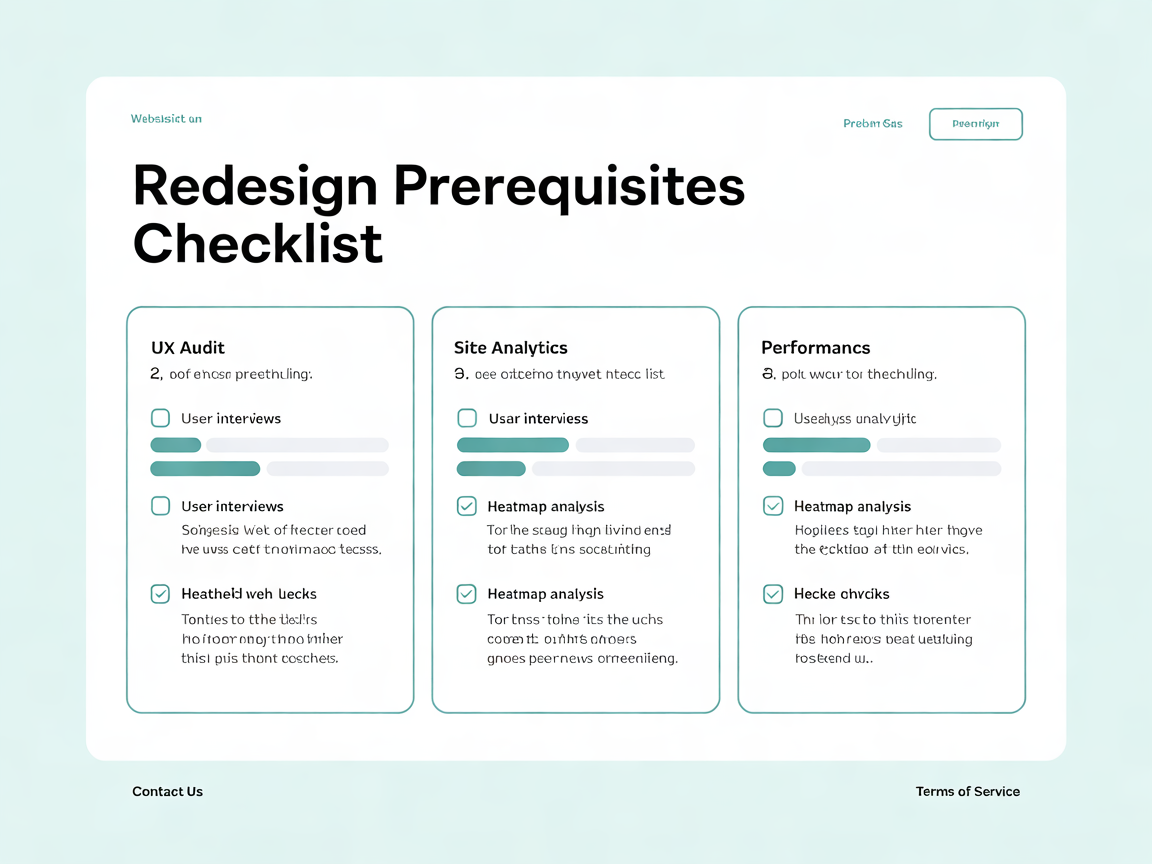
- Access: Admin login to Google Analytics, Google Search Console, and your content management system (e.g., WordPress, Webflow, or a headless CMS).
-
- Tools: A heat mapping tool such as Hotjar or Microsoft Clarity, a site speed tester (PageSpeed Insights or GTmetrix), and a mobile device for hands-on testing.
-
- Time: Block 2–4 hours; this is not an overnight task. Complex sites with 500+ pages may need a full day.
-
- Stakeholders: Loop in your web developer or web designer before major decisions — technical constraints often change the redesign scope.
-
- Baseline data: Pull the last 12 months of traffic and conversion data for comparison, plus one additional prior year if available to distinguish trends from one-off anomalies.
-
- Documentation: Create a shared spreadsheet or document to log findings from each step; this becomes your audit deliverable for stakeholders.
Step 1: Review Your Website Analytics and Search Console Data
Pull 12-month traffic trends in Google Analytics
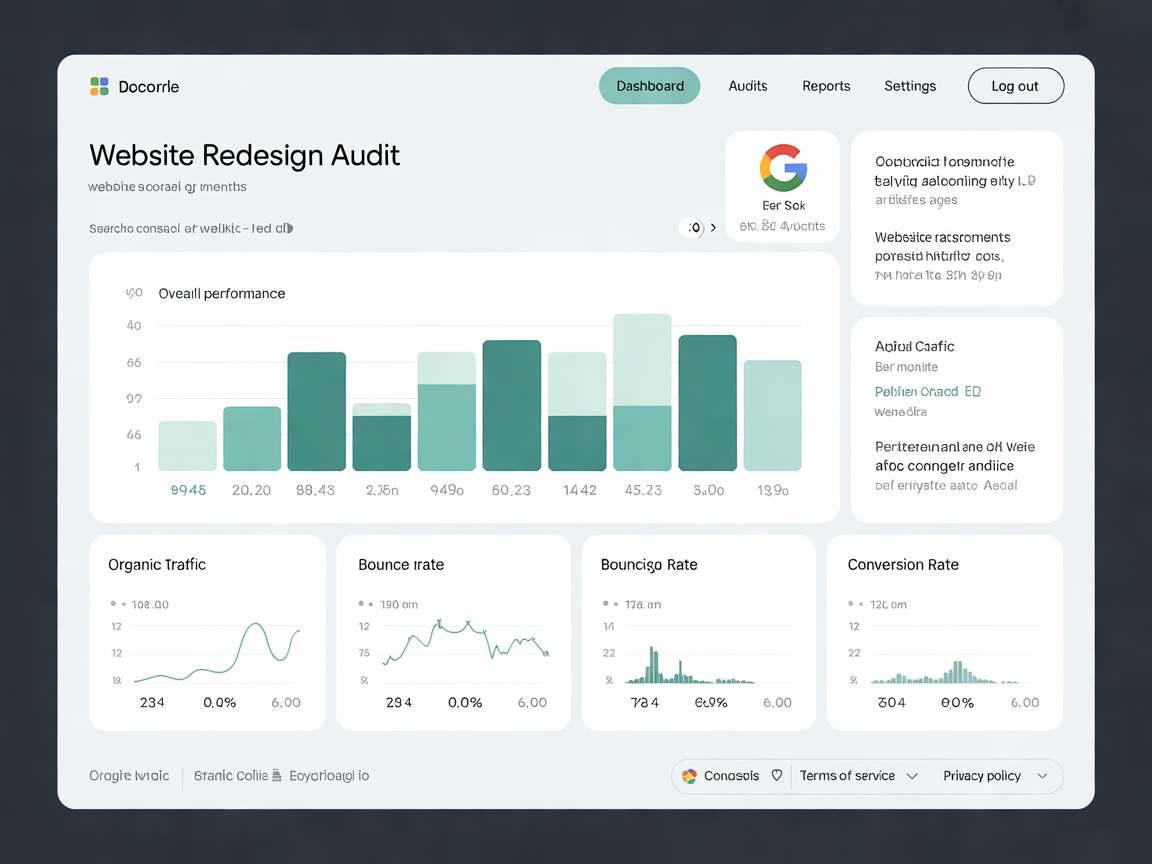
Compare year-over-year sessions. A sustained website traffic decline of 15% or more usually signals a deeper issue. For example, a B2B services site that drops from 10,000 to 8,000 monthly sessions over two consecutive quarters — not tied to seasonality — should treat this as a redesign trigger, not a content tweak.Check keyword rankings in Google Search Console
A search engine rankings drop across multiple keywords often points to outdated content structure or poor technical SEO — both common website redesign signs. In the Performance report, use the “Compare” date range option to compare the last six months with the previous period, then sort by position to find queries that fell from page 1 to page 2 or beyond.Flag pages with rising bounce rate
In Google Analytics 4, pages with a bounce rate above 70% often indicate user experience problems, such as confusing navigation menu structure or slow site speed. Cross-reference these pages against average engagement time; low engagement time combined with a high bounce rate confirms a content or layout mismatch rather than a tracking error.Segment traffic by source
Compare organic, paid, and direct traffic separately. If organic traffic alone is declining while paid holds steady, the issue is more likely SEO-related than a broad market downturn.Step 2: Test Core Web Vitals and Site Speed
Google’s Core Web Vitals measure loading (LCP), interactivity (INP), and visual stability (CLS) — all tied to website performance issues.Run PageSpeed Insights on your homepage and top 5 landing pages
A Largest Contentful Paint (LCP) over 2.5 seconds falls outside Google’s “good” range (over 4 seconds is rated poor), and an Interaction to Next Paint (INP) over 200 milliseconds means the page responds slowly to clicks and taps. Record both the lab data and field data (Chrome User Experience Report) scores, since real-user data can differ significantly from lab simulations.Check mobile vs. desktop scores separately
Mobile usability issues often score worse, revealing gaps in mobile-first design implementation. A gap of 20+ points between mobile and desktop performance scores typically indicates unoptimized images or render-blocking scripts specific to mobile templates.Audit hosting performance
Slow web hosting is a frequent, overlooked cause of website performance issues that no amount of front-end fixes can resolve. Check Time to First Byte (TTFB); Google considers anything above 800 milliseconds slow, which suggests a server-side bottleneck rather than a front-end code problem.Review Cumulative Layout Shift (CLS)
A CLS score above 0.1 means visual elements move unexpectedly as the page loads, frustrating users and signaling unstable front-end code that a redesign can resolve with modern CSS practices.Step 3: Evaluate UX Design, UI Design, and Usability
This step answers how to tell if your site needs a UX overhaul.Run a 5-user website usability testing session
Watch real users complete three core tasks, such as finding a product page, submitting a contact form, and locating pricing information. Confusion at any point signals UX design problems requiring attention. Nielsen Norman Group research shows that testing with five users typically surfaces roughly 85% of usability issues.Deploy heat mapping tools like Hotjar
Heatmaps expose where users click, scroll, and abandon — pinpointing UI design friction invisible in raw analytics. Look specifically for “rage clicks,” where users repeatedly click a non-interactive element, which is a strong signal of broken or confusing UI patterns.Audit the navigation menu structure
If users struggle to find key pages quickly, website navigation improvement is overdue. As a rule of thumb, more than seven top-level menu items tends to overwhelm users and dilute navigation clarity.Review information architecture
Map your current site structure in a simple diagram. Orphaned pages, duplicate categories, or inconsistent labeling across sections are common signs that a full information architecture rebuild — not just a visual refresh — is needed.Step 4: Check Responsive Design and Mobile Responsiveness
Roughly 60% of global web traffic comes from mobile devices (StatCounter), making responsive design essential.Test on at least three device sizes
Phone, tablet, and desktop should all render cleanly using CSS media queries and semantic HTML markup. Use Chrome DevTools’ device toolbar for a quick check, then verify on at least one physical device, since emulators don’t always catch touch-target sizing issues.Identify mobile responsiveness failures
Overlapping text, broken buttons, or horizontal scrolling are clear signs your website needs a mobile-friendly update. Also check tap target spacing — Google recommends a minimum of 48×48 pixels for clickable elements to avoid accidental taps.Test forms and checkout flows on mobile
Many redesign-worthy sites function visually on mobile but fail functionally: dropdown menus that don’t open, forms that trigger the wrong keyboard type, or checkout steps that require excessive zooming.Step 5: Analyze Conversion Rate, Bounce Rate, and CTAs
This is the core of website conversion optimization diagnostics.Calculate website conversion rate by page
Compare against commonly cited benchmarks of roughly 2–5% for lead-generation sites. Anything significantly lower is a sign your website isn’t converting visitors. E-commerce benchmarks differ, commonly averaging 1.5–3% depending on industry.Audit every call to action
Weak or buried CTAs reduce conversions regardless of traffic volume. Check for contrast, specificity (“Get Your Free Quote” vs. generic “Submit”), and placement above the fold on key landing pages.Cross-reference with competitor website analysis
If competitors use clearer CTAs and modern layouts, it’s a strong indicator your website design is outdated. Build a simple comparison table of three direct competitors’ homepages, noting CTA count, placement, and messaging clarity.Review form abandonment rates
If your analytics tool tracks form interactions, a high abandonment rate on lead or checkout forms often points to too many fields, unclear error messaging, or a lack of trust signals — all fixable in a redesign.Step 6: Audit Brand Identity and Visual Design Trends
Outdated visuals hurt credibility even when functionality is fine.Compare your site against current design trends
Skeuomorphic icons, heavy drop shadows, and Flash-era layouts are classic signs it’s time to redesign your website. Current trends favor bold typography, generous white space, and subtle micro-interactions over dense, cluttered layouts.Confirm brand identity consistency
Logos, fonts, and colors should match current marketing materials. Mismatches signal a need for website rebranding. Pull your brand style guide, if one exists, and check it against the live site line by line.Review content freshness
Stale blog posts, old copyright years, or discontinued products make your site look unprofessional. A footer displaying “© 2019” alone can undermine trust even if the rest of the site is current.Check photography and imagery quality
Low-resolution stock photos or outdated team headshots are minor individually but cumulatively signal neglect. Replacing imagery is often a quick win that can be bundled into a larger redesign scope.Step 7: Check Accessibility, Security, and CMS Health
Technical debt compounds silently until it causes visible failures.Run a web accessibility compliance scan
WCAG 2.1 AA is the widely accepted accessibility benchmark, with WCAG 2.2 now the current version. The U.S. Department of Justice’s 2024 ADA Title II rule adopts WCAG 2.1 AA for state and local government websites, and private businesses face a growing number of ADA website lawsuits. Use a free scanner like WAVE or axe DevTools to flag missing alt text, poor color contrast, and missing form labels.Check for website security vulnerabilities
Outdated plugins on WordPress or unpatched CMS cores are common attack vectors. Run a vulnerability scan and confirm your SSL certificate, firewall, and backup schedule are current — a redesign is an ideal time to rebuild on a hardened stack.Review your sitemap and CMS flexibility
A content management system that can’t support new content types limits future website modernization options. If adding a simple feature, like a filterable resource library, requires custom development every time, your CMS is likely constraining growth.Audit third-party integrations
Check that CRM, email marketing, and analytics integrations still function correctly. Broken or deprecated API connections are a hidden cost that often surfaces only during the redesign planning phase.Website Redesign Signs: Quick Checklist
| Signal | Threshold | Severity |
|---|---|---|
| Website traffic decline | >15% YoY | High |
| Bounce rate increase | >70% on key pages | High |
| Core Web Vitals (LCP) | >2.5 seconds | Medium |
| Core Web Vitals (INP) | >200 milliseconds | Medium |
| Cumulative Layout Shift | >0.1 | Medium |
| Mobile usability errors | Any critical error | High |
| Conversion rate (lead-gen) | Below 2% | Medium |
| Accessibility scan errors | Any WCAG AA failure | High |
| Last redesign | >3 years ago | Medium |
Troubleshooting Common Issues
-
- If your bounce rate is high but conversion rate is normal → investigate content relevance, not full redesign.
-
- If Core Web Vitals fail only on mobile → prioritize mobile-first design fixes before a full rebuild.
-
- If analytics look fine but sales teams report complaints → run website usability testing; data can lag behind perception.
-
- If your CMS can’t support redesign needs → budget for a platform migration alongside the redesign.
-
- If traffic is stable but conversion rate is falling → audit CTAs and checkout/form flows before assuming a visual redesign will fix it.
-
- If accessibility scans return dozens of errors → treat this as a compliance priority and address it within the redesign scope, not as a post-launch afterthought.
-
- If results are inconclusive → consult a professional; agencies that offer structured website audits can confirm the signs you need a website redesign in ambiguous cases.
Next Steps
Once you’ve confirmed redesign signs, outline a website redesign timeline, estimate website redesign cost based on scope, and brief your web developer and web designer with this audit data. Typical website redesign timelines run 8–16 weeks depending on CMS complexity and content volume. Smaller sites with under 50 pages may complete in 6–8 weeks, while enterprise sites with complex integrations can take 20 weeks or more. Prioritize fixes using the severity column in the checklist table above: address “High” severity signals first, since they most directly affect traffic, conversions, and compliance. Schedule a follow-up SEO audit 90 days post-launch to confirm the redesign benefits — improved rankings, lower bounce rate, and higher conversion rate — have materialized. Document before-and-after metrics for each signal in this guide to build a clear ROI case for stakeholders.Let’s get your phone ringing.
Start with a free website review. We’ll show you what’s holding your site back and what we’d fix first.